
Choose the right format
JPG is usually efficient for photographs. PNG preserves sharp graphics and transparency but may be larger. WEBP can reduce web image size while supporting transparency and modern browser delivery.
Image compression guide
Learn how to reduce image file size while preserving visual quality, including format choice, quality settings, target size, previews, and batch workflows.
Reviewed by FormatNest Editorial Team. Updated August 19, 2026.
JPG is usually efficient for photographs. PNG preserves sharp graphics and transparency but may be larger. WEBP can reduce web image size while supporting transparency and modern browser delivery.
Lossy formats reduce file size by discarding information. Start around 80-88 quality for photos, inspect a preview at the intended display size, and lower quality only when the size reduction is worth the visible change.
When an upload limit says 200 KB or 2 MB, use Resize Image by KB or a target-size workflow. Reducing dimensions can be more effective than lowering quality alone.
Select multiple images, apply the same output and quality settings, review each before-and-after size, then download individual files or a ZIP archive. Keep the originals until the batch is verified.
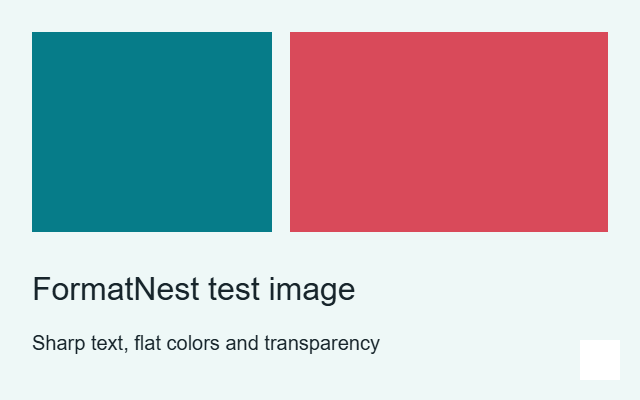
We tested this original 640 x 400 PNG (22,017 bytes) in our browser encoder on October 5, 2026. Its flat colors and sharp text favor lossless compression; a photograph may behave very differently.
| Setting | Output bytes | Size reduction | Processing time | Identical decoded pixels |
|---|---|---|---|---|
| Lossless WebP | 4222 | 80.8% | 121 ms | Yes |
| WebP quality 85 | 6694 | 69.6% | 57 ms | No |
| AVIF quality 85 | 6563 | 70.2% | 667 ms | No |
Cold codec downloads were included in processing time. These are lab results on a development Windows machine, not mobile field timings or a competitor comparison. Quality sliders are codec-specific, so equal quality numbers do not imply equal visual quality. Pixel equality was tested after decoding the output.
For this particular graphic, lossless WebP was both smaller and pixel-identical. That is not a promise for every file. Compare your own result, especially small text, gradients, transparency and photographic detail.
Convert PNG to WebP or inspect an image comparison. Download the original test PNG to reproduce this example.